
Automatic & Alternative Suggestion
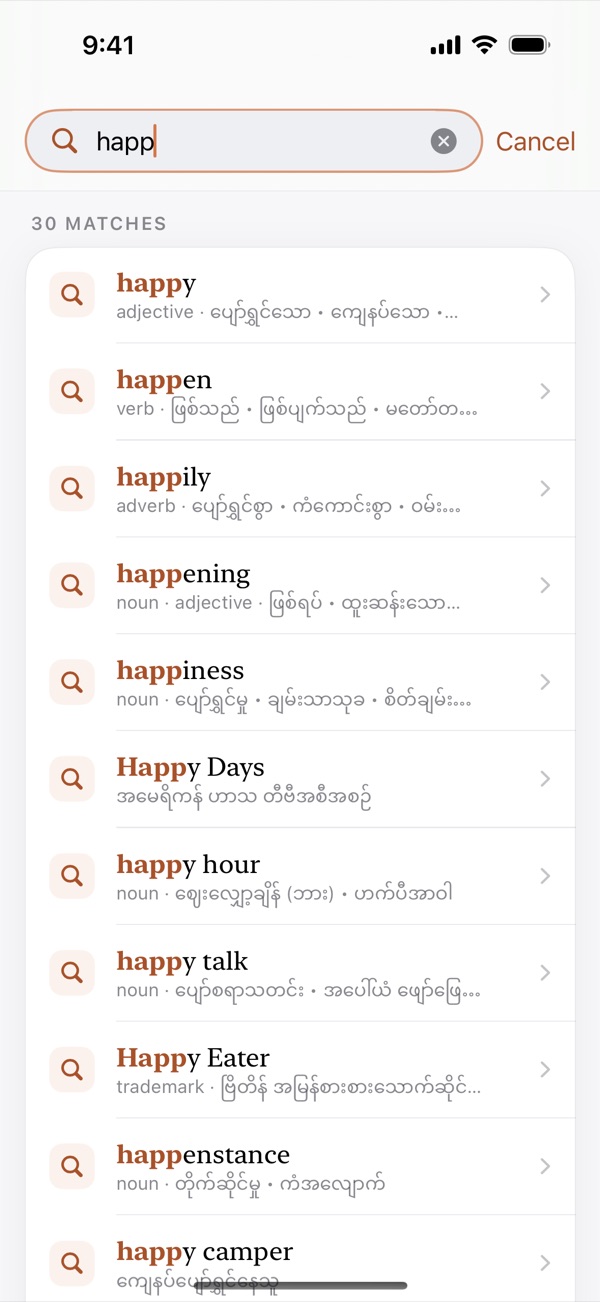
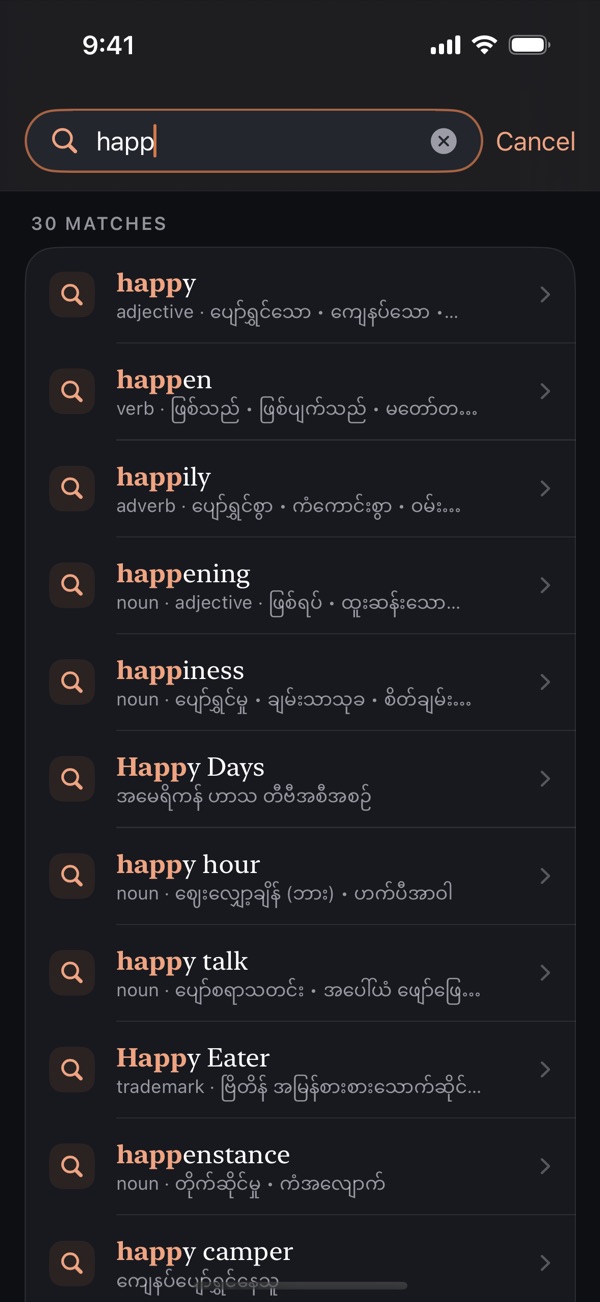
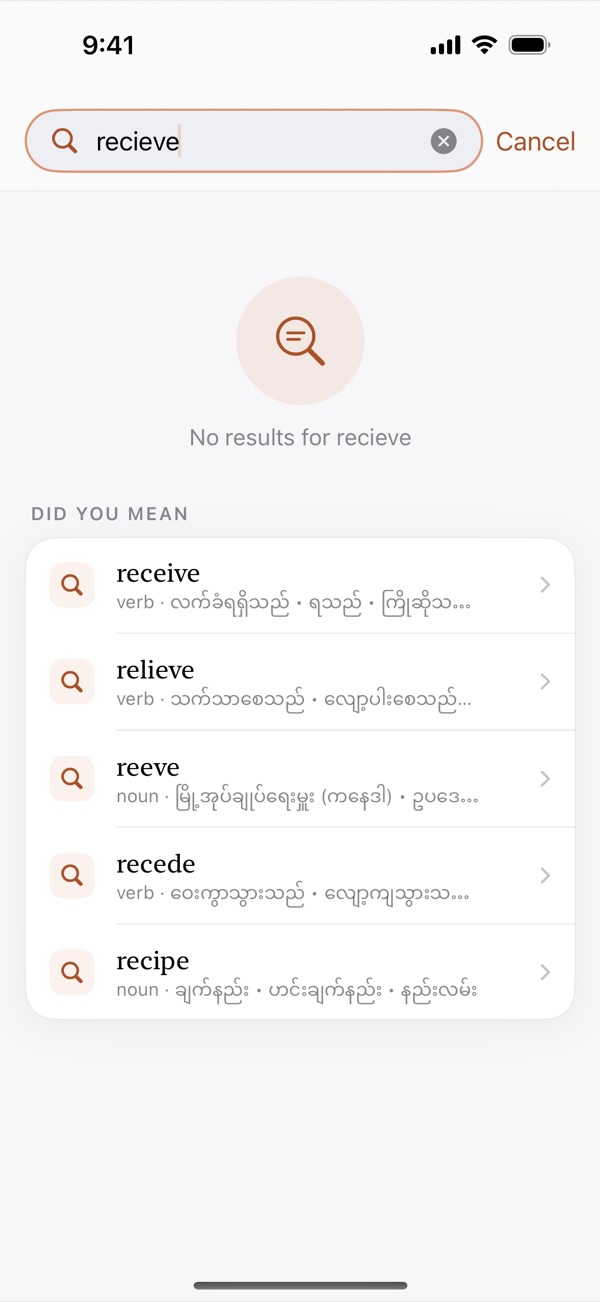
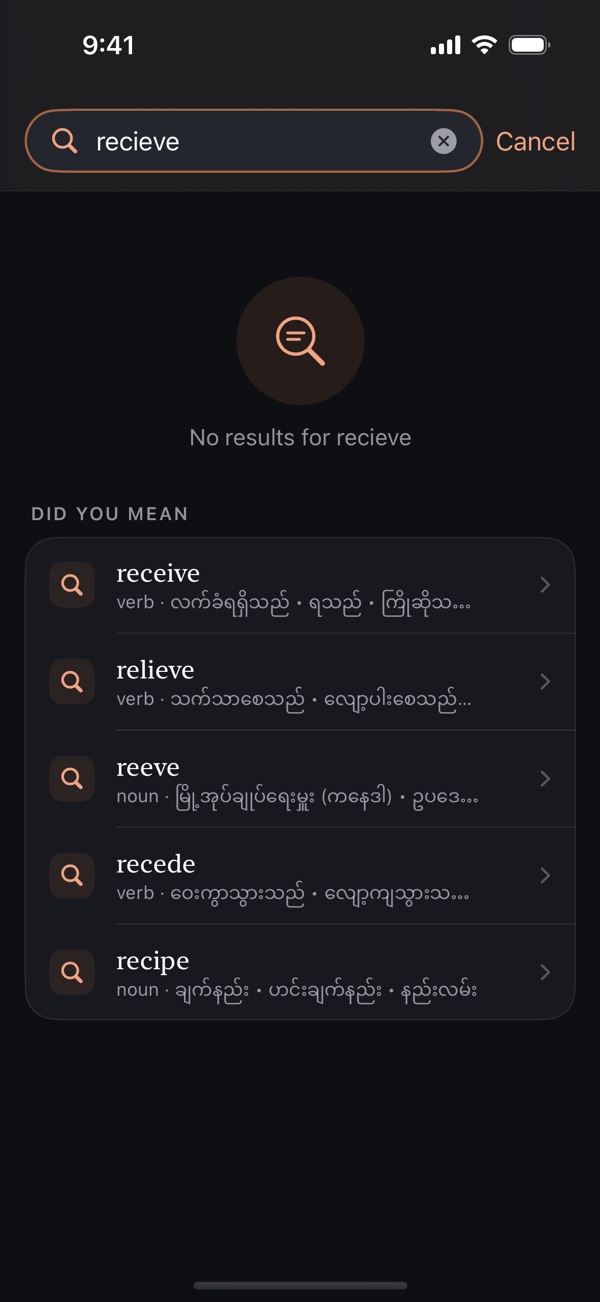
Suggestions appear as you type, and a misspelled word brings up “Did you mean…” alternatives so you still find the right entry.
One of the most widely used dictionaries in the Myanmar community — now with 91,000+ entries, Burmese search and on-device learning tools.


More than 91,000 English and Burmese entries, built for everyday learning.
Suggestions appear as you type, and a misspelled word brings up “Did you mean…” alternatives so you still find the right entry.
Pronunciation, numbered meanings in English and Burmese, grammar, example sentences, collocations, word family and origin.
Meanings list words that mean the same and the opposite — tap any of them to open its entry.
Look words up in Burmese, too — more than 21,500 Burmese headwords with example sentences and English translations.
Switch the whole app to Burmese — menus, settings and help — or keep it in English.
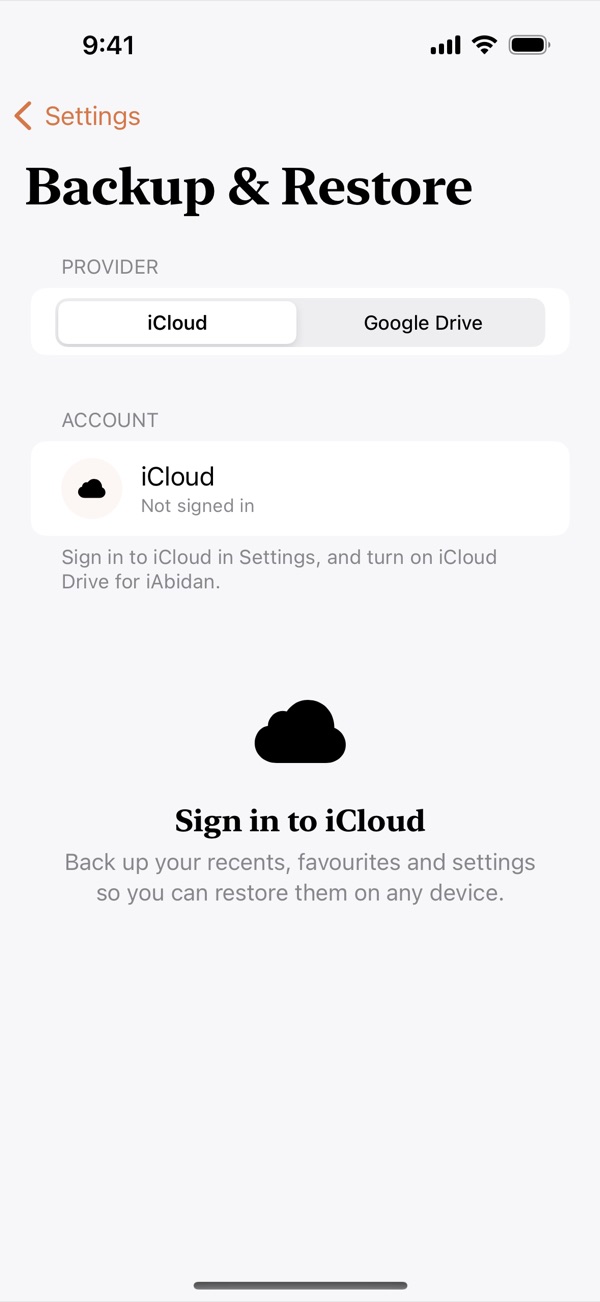
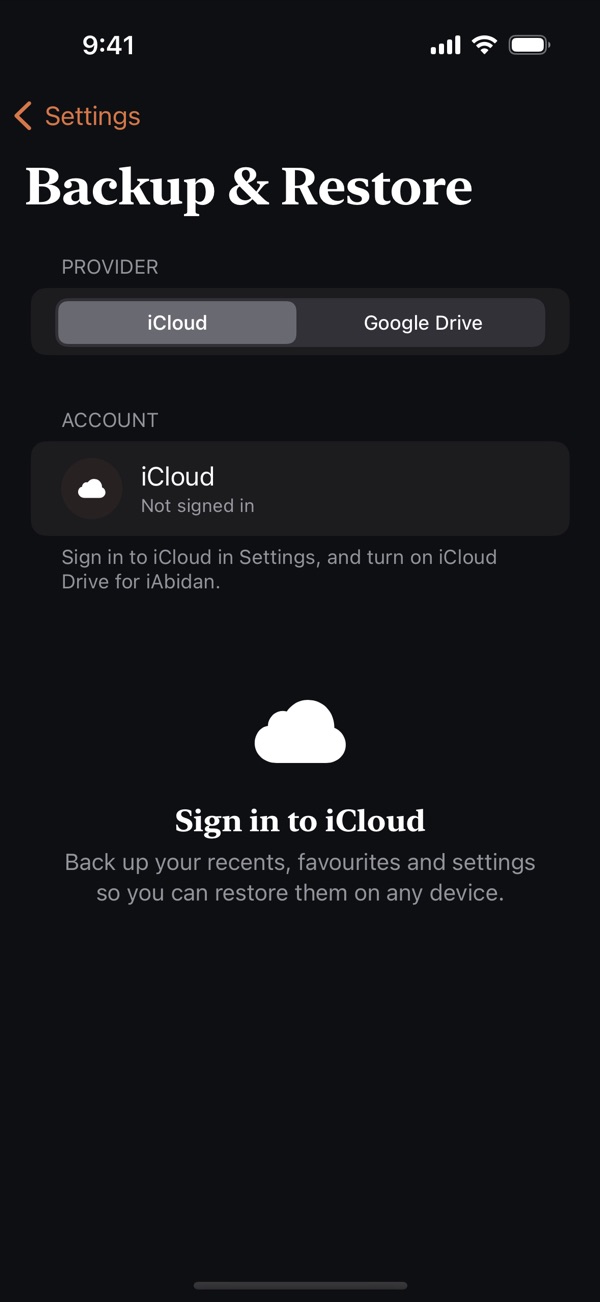
Save your recents, favourites and settings to your own iCloud Drive or Google Drive, and restore them on another device.
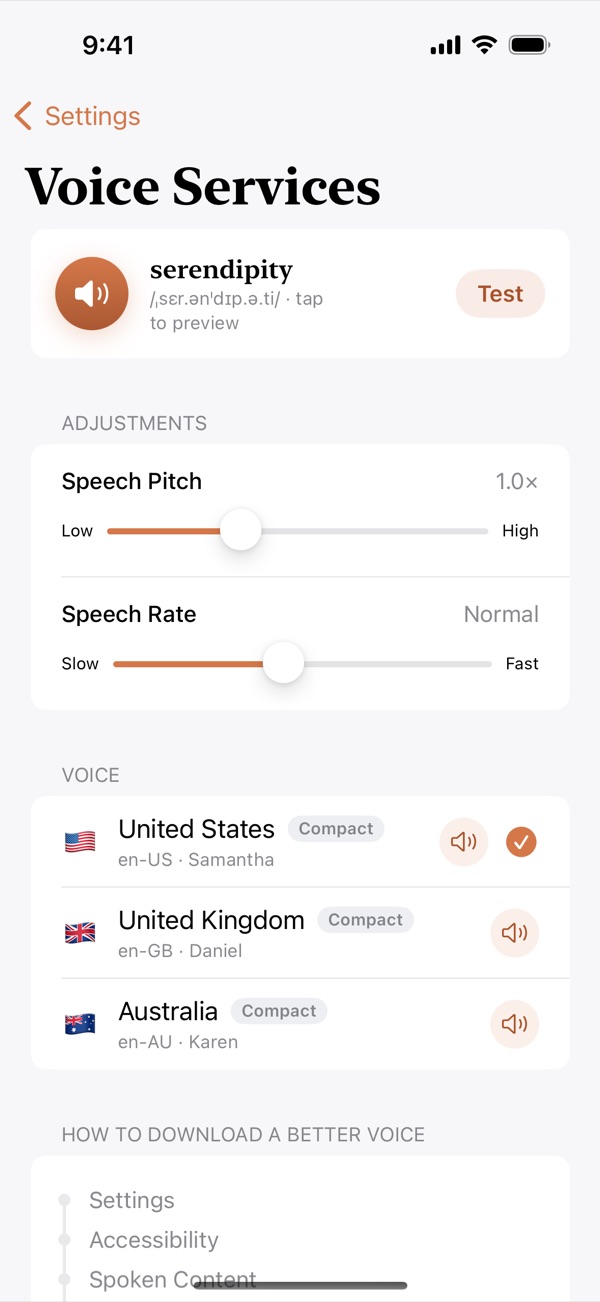
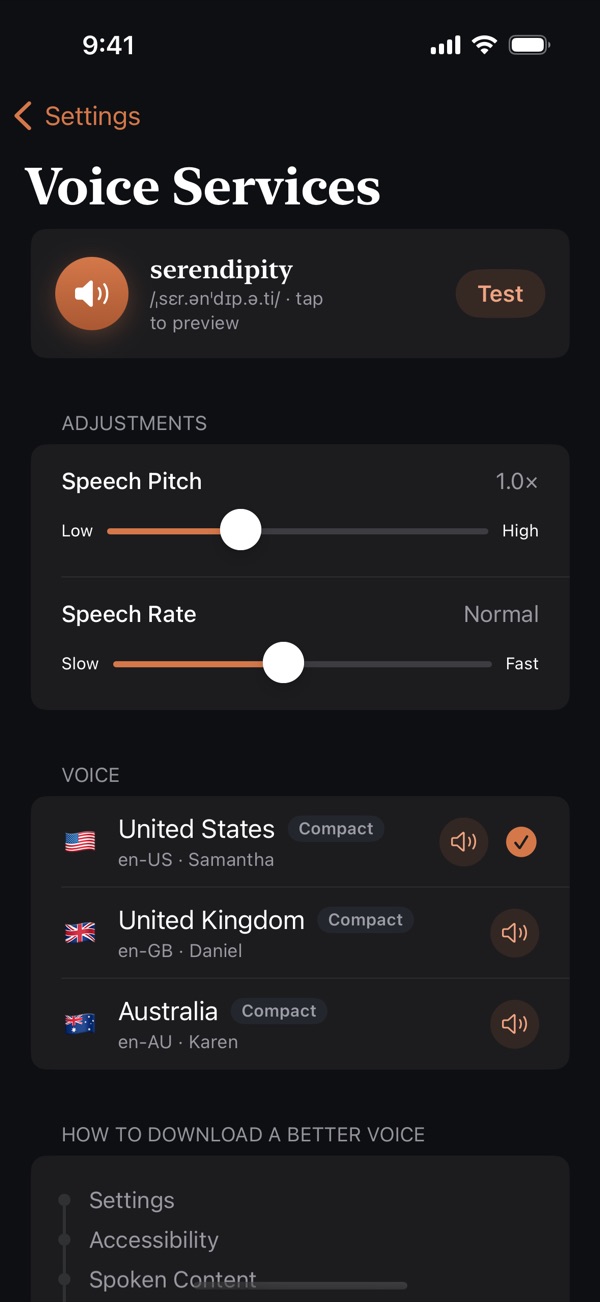
Listen in US, UK or Australian English with adjustable pitch and speed. iAbidan picks the best voice installed on your device.
Words inside definitions and examples are links, so you can follow an unfamiliar word straight to its own entry.
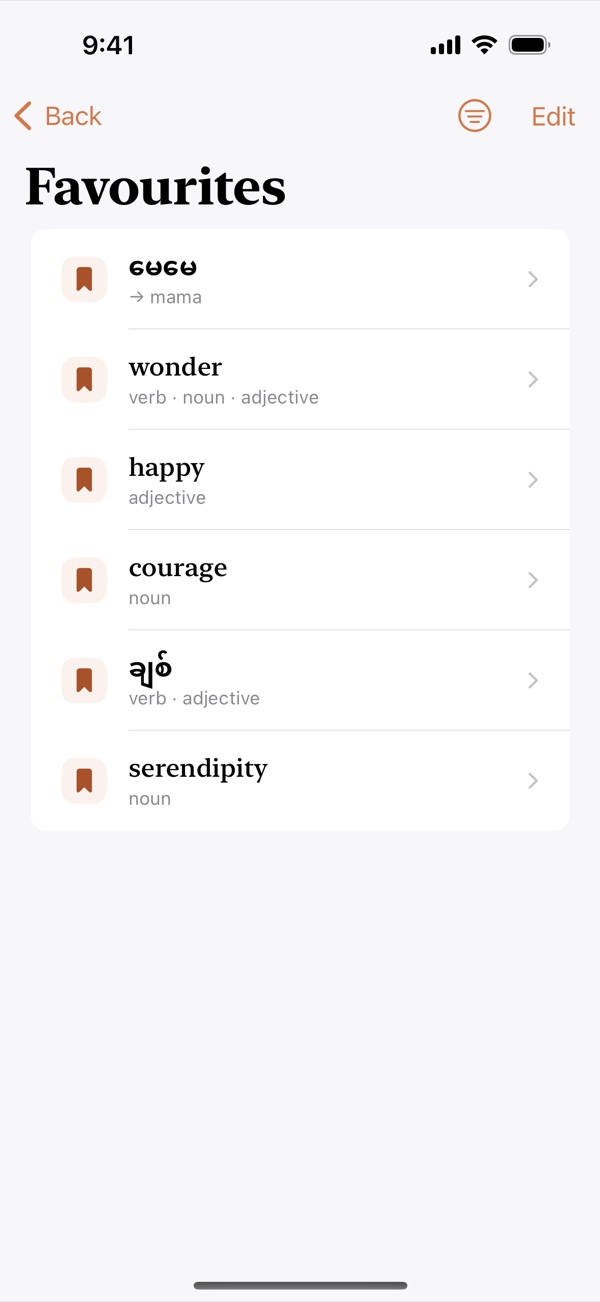
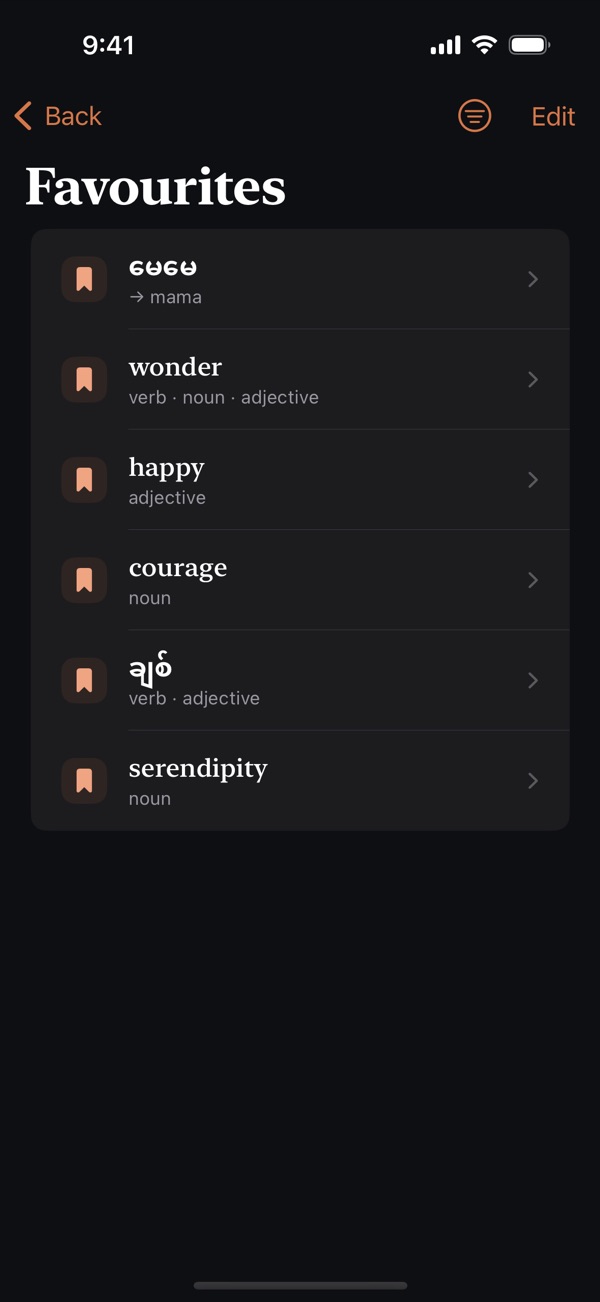
Keep the words you’re learning close, and filter them by date or by language.
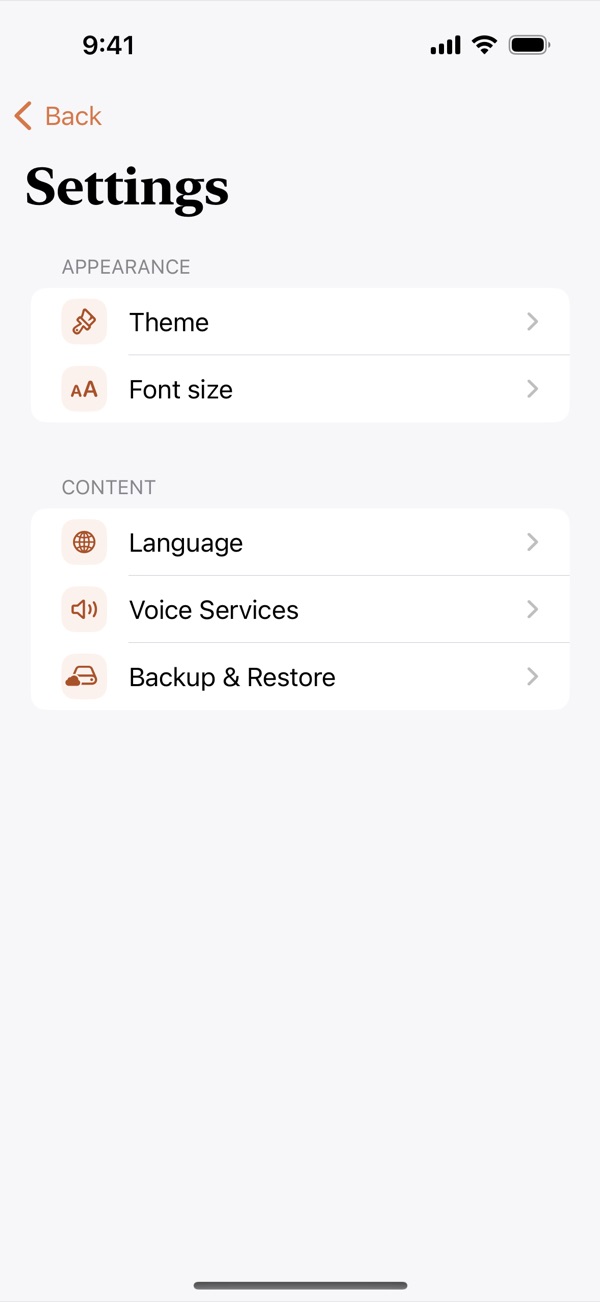
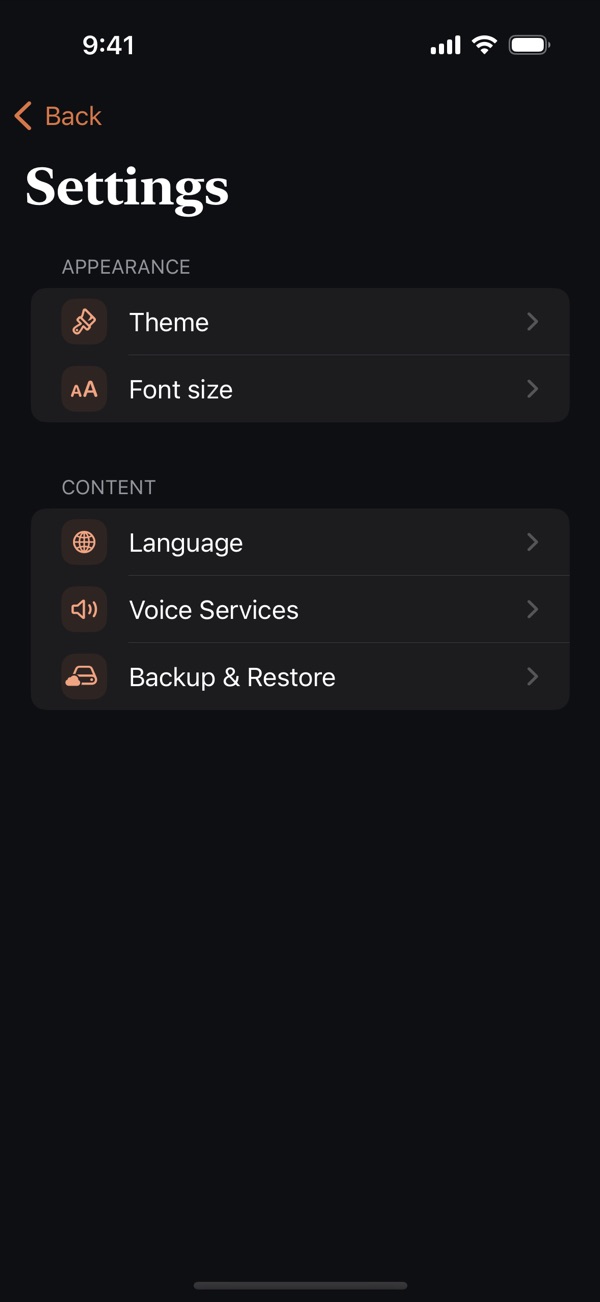
Choose Light, Dark or Automatic, and set a text size that’s comfortable to read.
The whole dictionary lives on your device, so you can look words up without an internet connection.
Every entry and feature is free. Premium simply removes the ads.
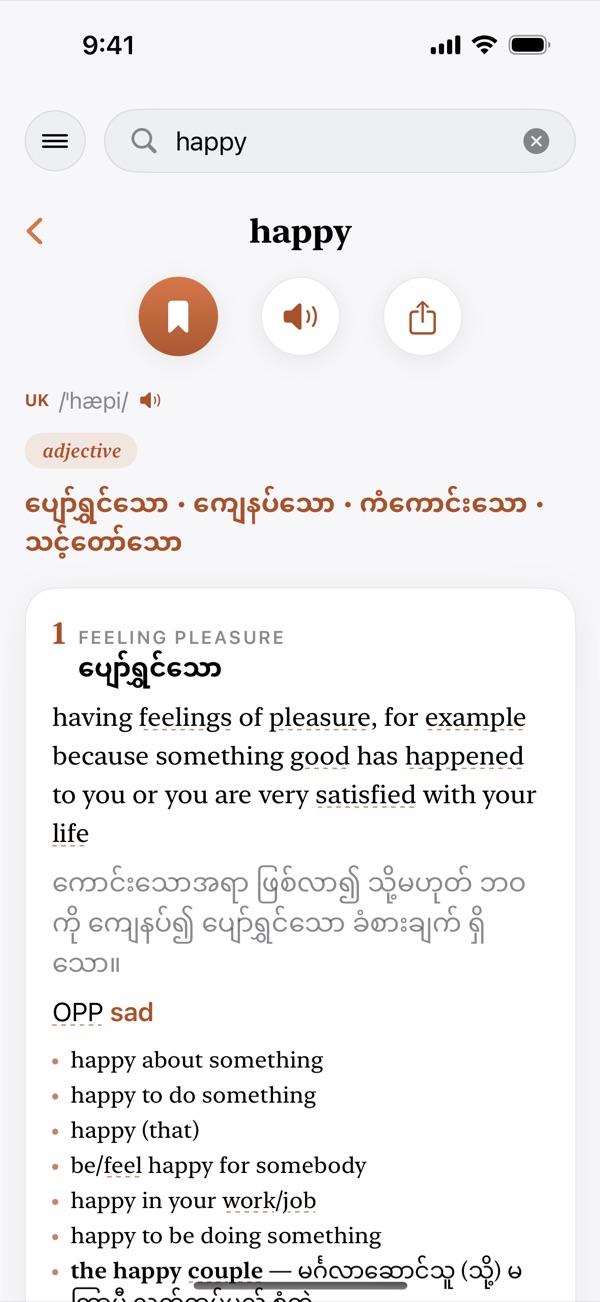
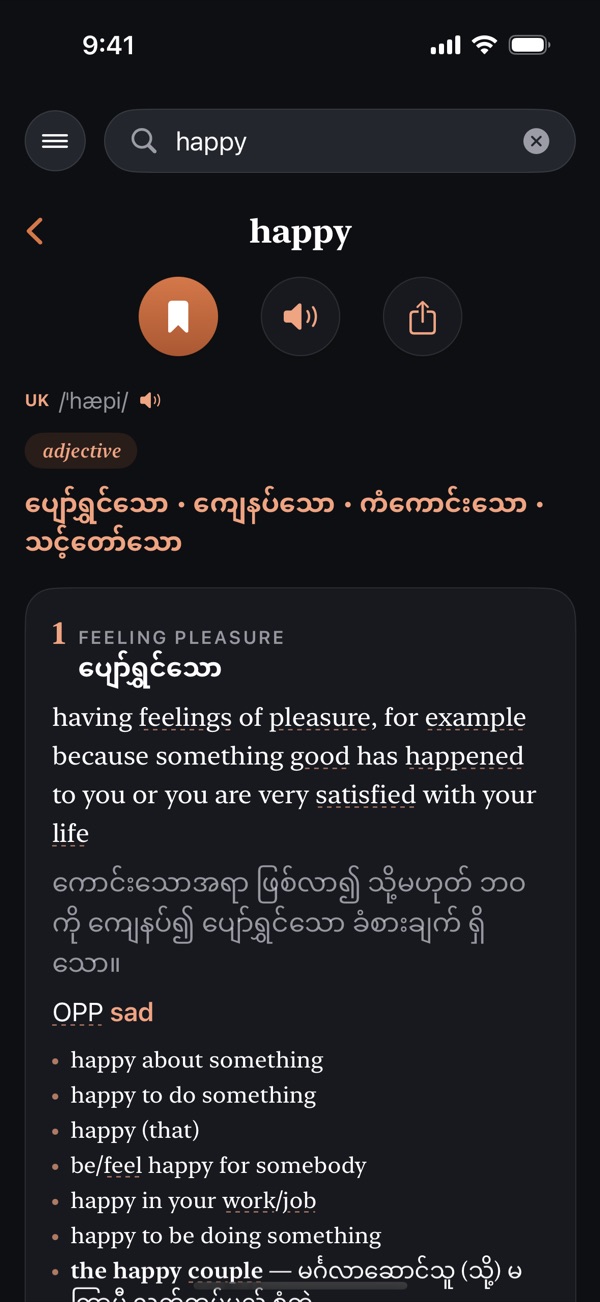
Each entry is laid out like a good learner’s dictionary: clear numbered meanings with Burmese translations, real example sentences and the patterns words are used in.
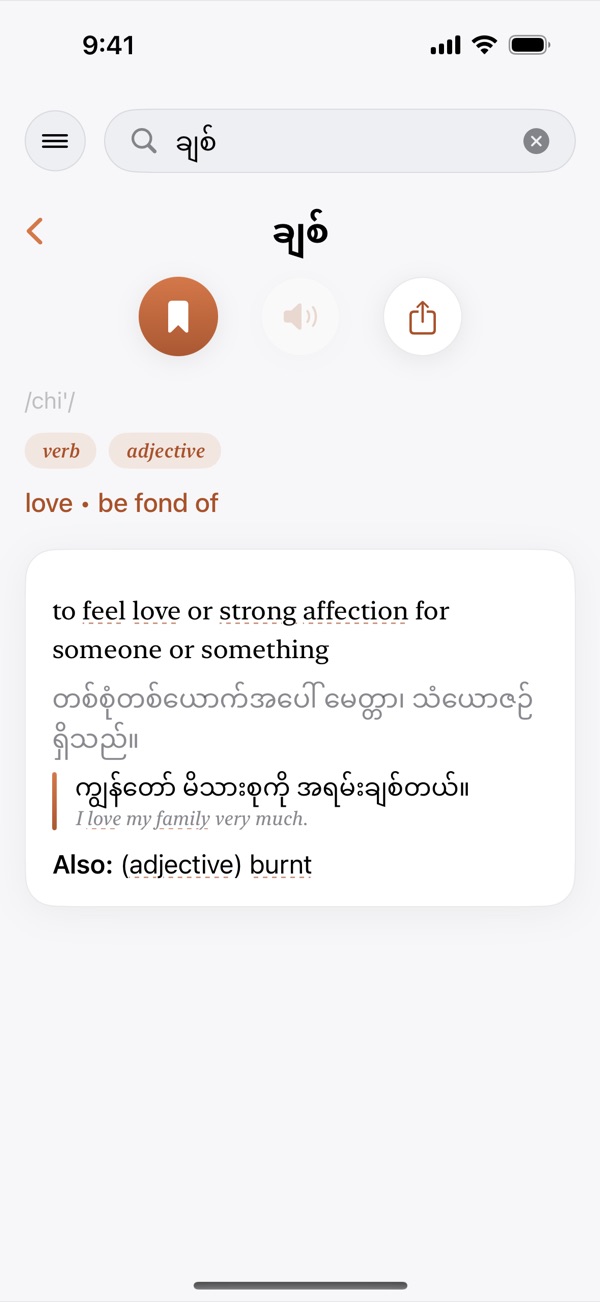
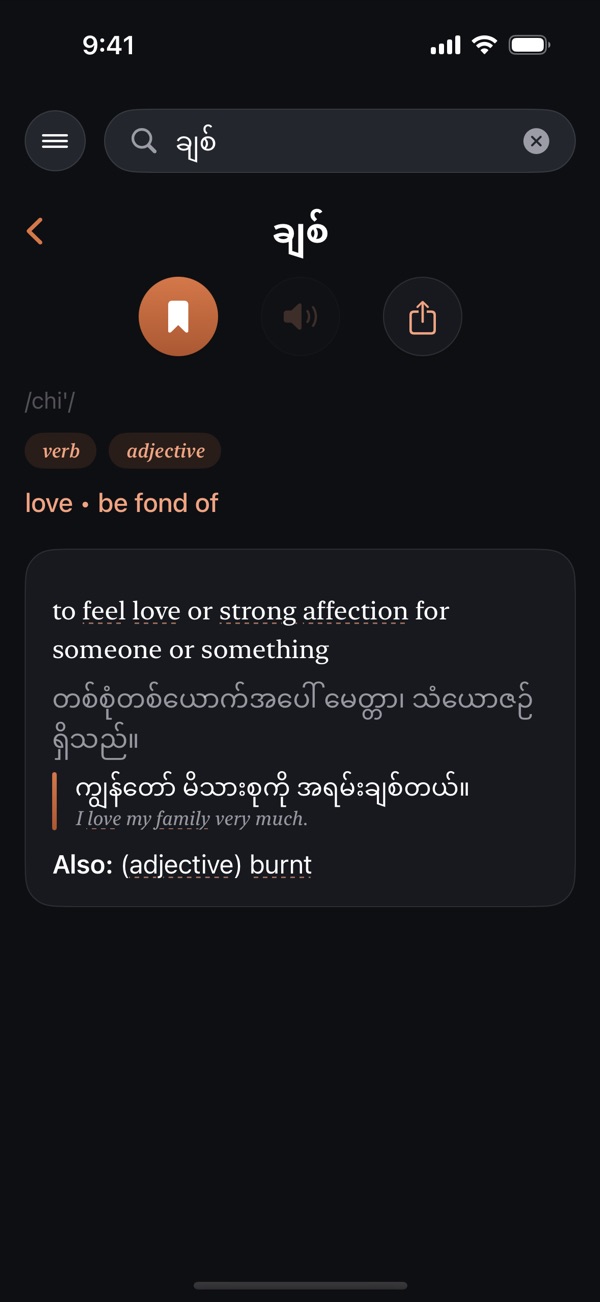
Search in Burmese and get English words back, or use the whole app in Burmese.
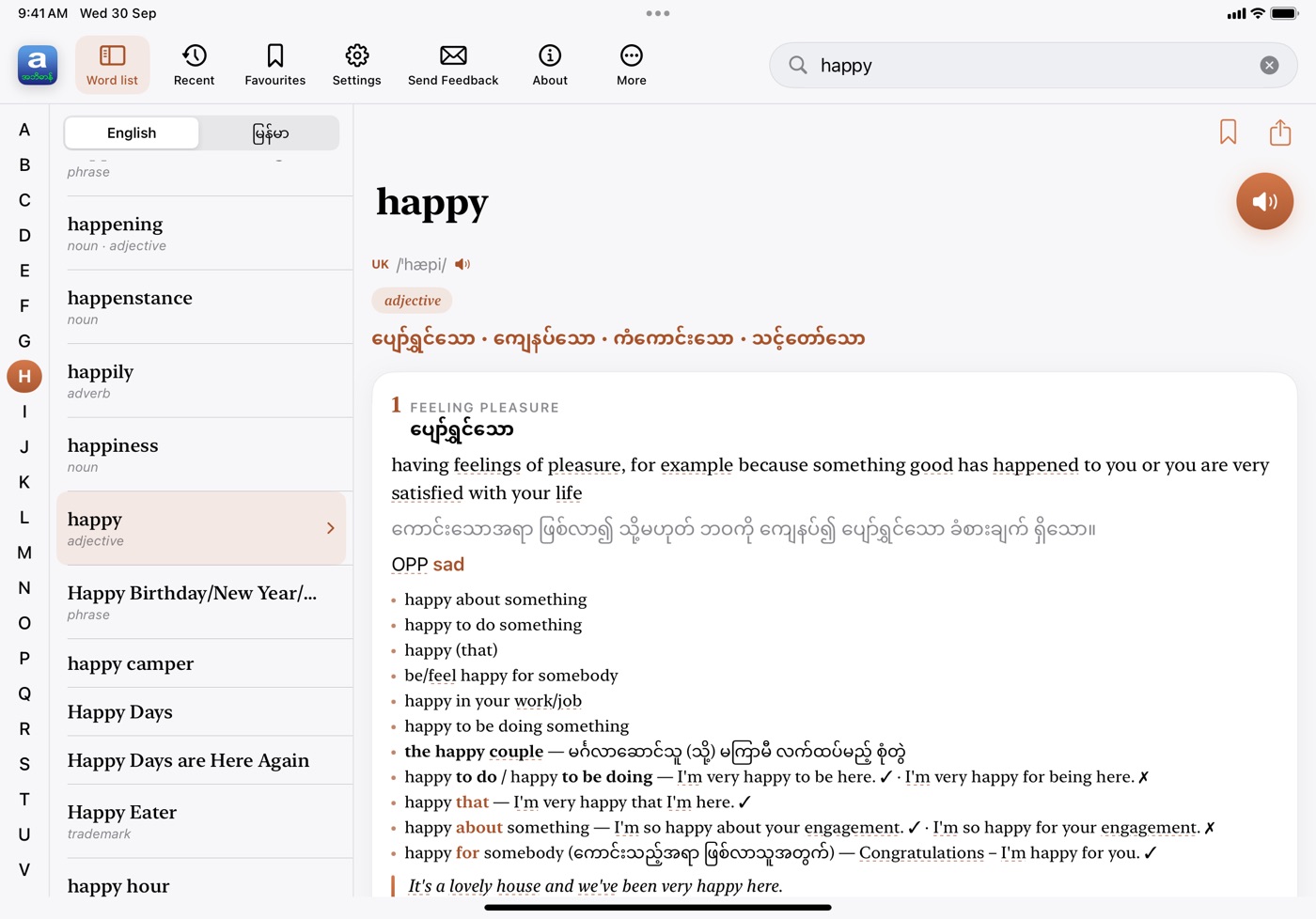
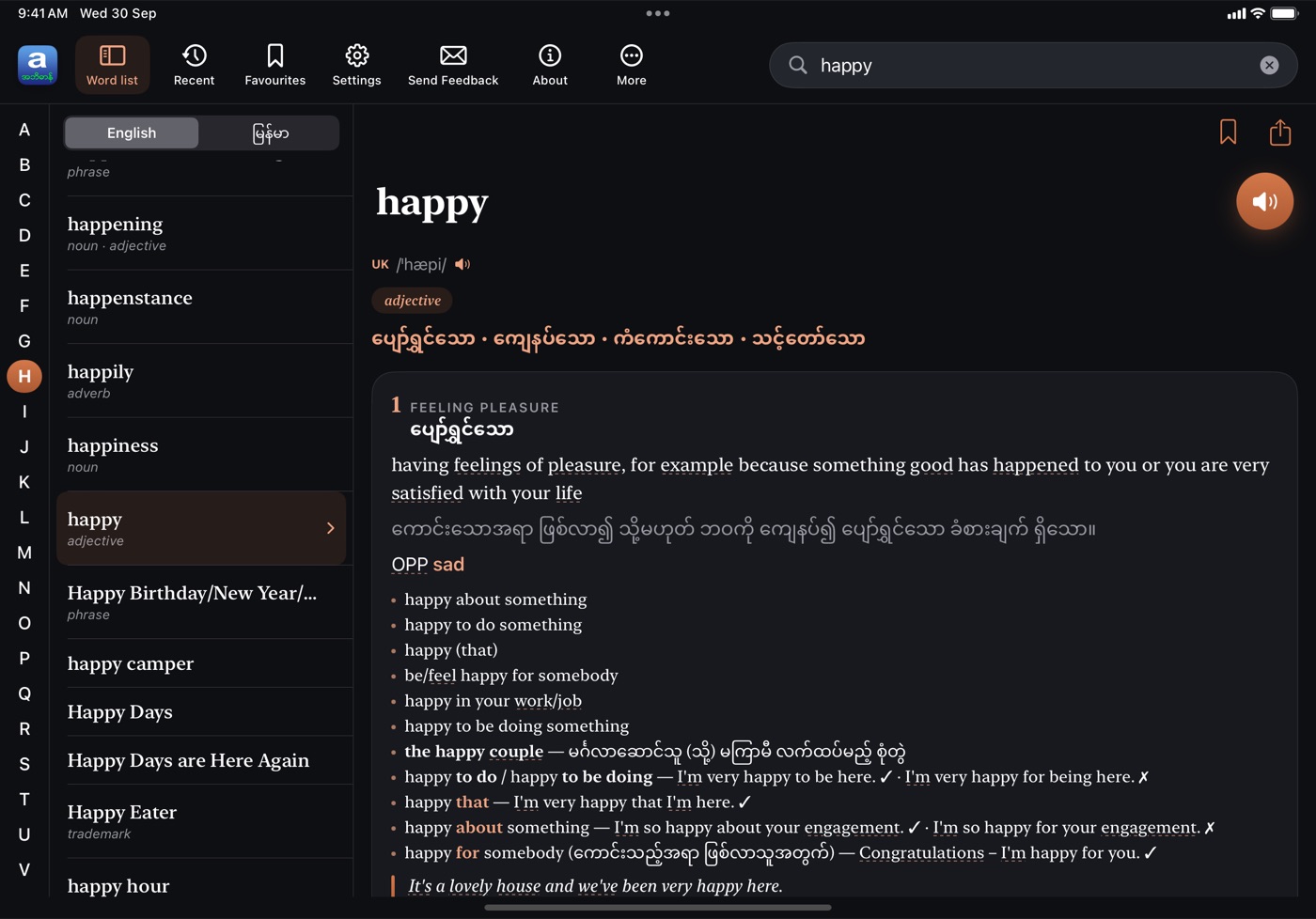
A three-column layout keeps an A–Z word index, the entry you’re reading and your tools on screen together.
Look words up without typing them — from the page in front of you, or from any app.
Point your camera at a book, sign or worksheet, take a shot, then tap any word on the page to see its meaning.
Tap the camera button in the search bar. Needs a device with a back camera.
Select a word in Safari, Notes, Mail or any other app and open it in iAbidan — the entry appears right there, without leaving what you were reading.
Select text › Share › iAbidan.
On supported devices, iAbidan uses Apple’s on-device model to help you understand and use English. Nothing you type leaves your device.
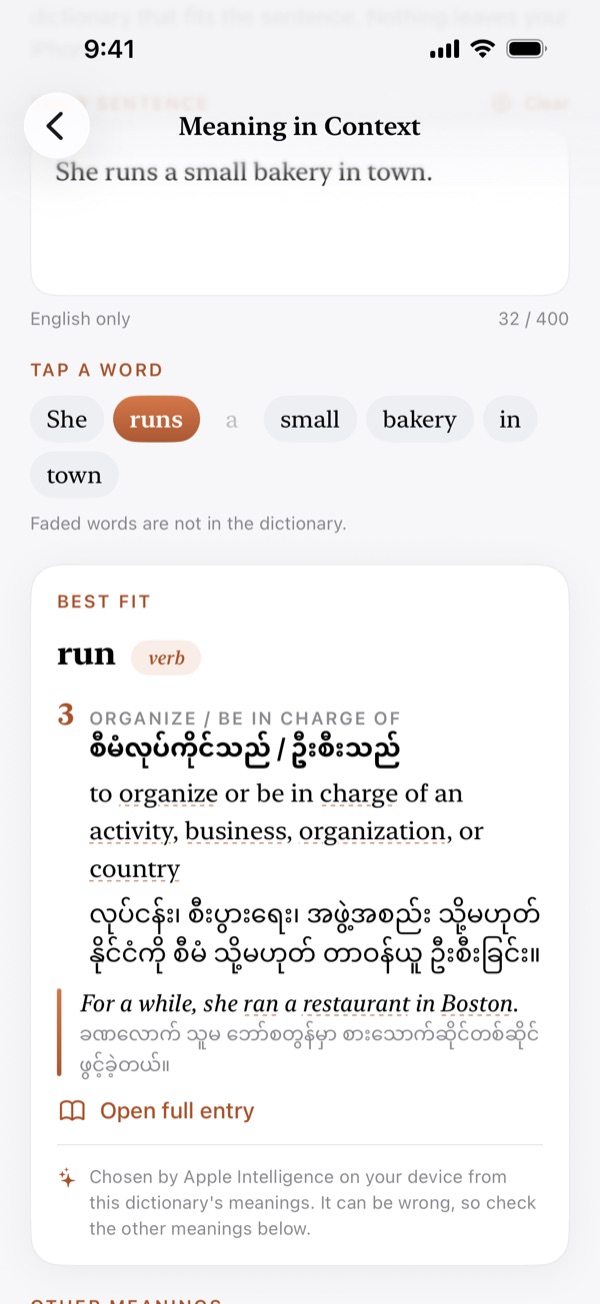
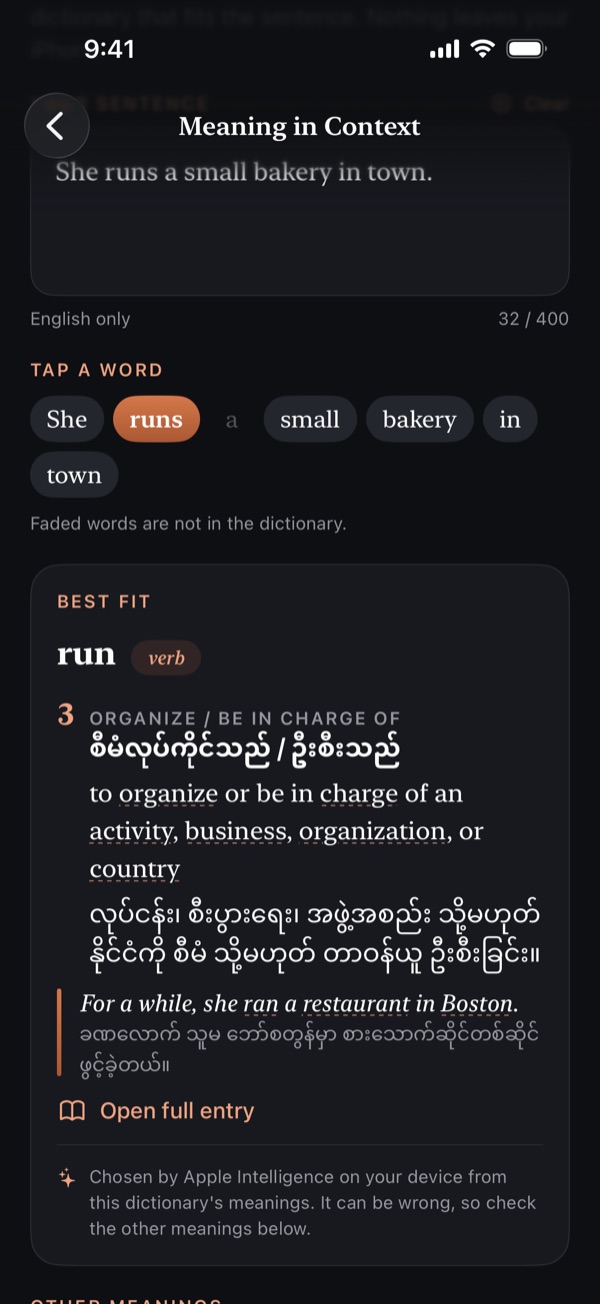
Type or scan a sentence and tap a word. iAbidan picks which of the dictionary’s meanings fits that sentence, shown in English and Burmese.
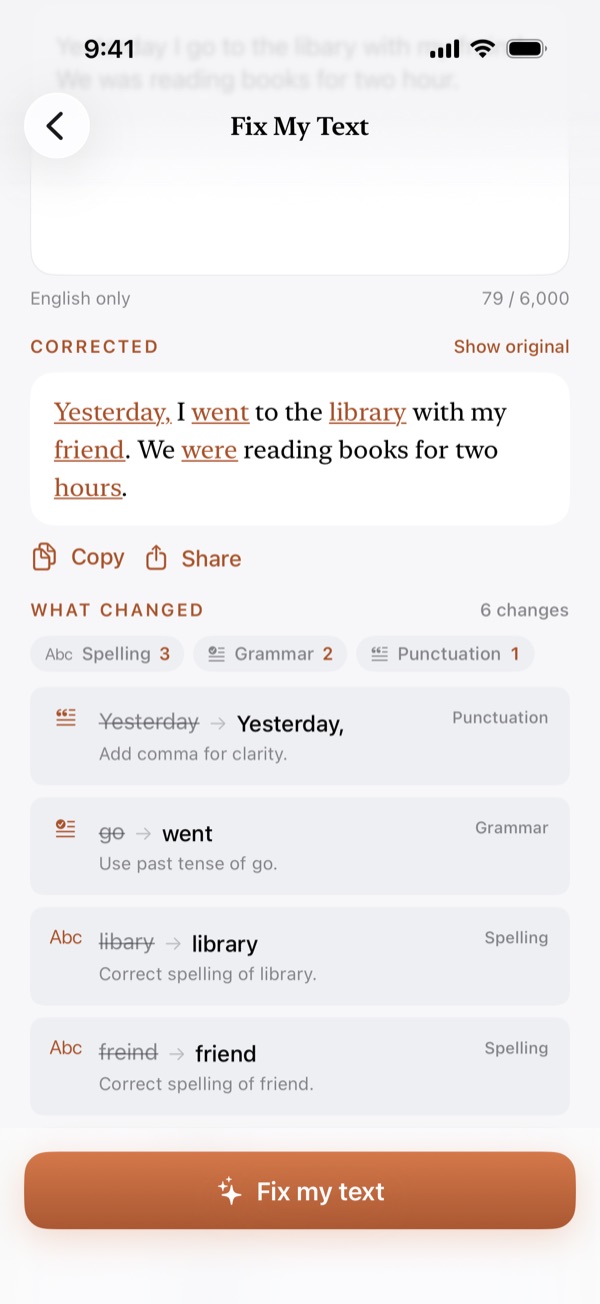
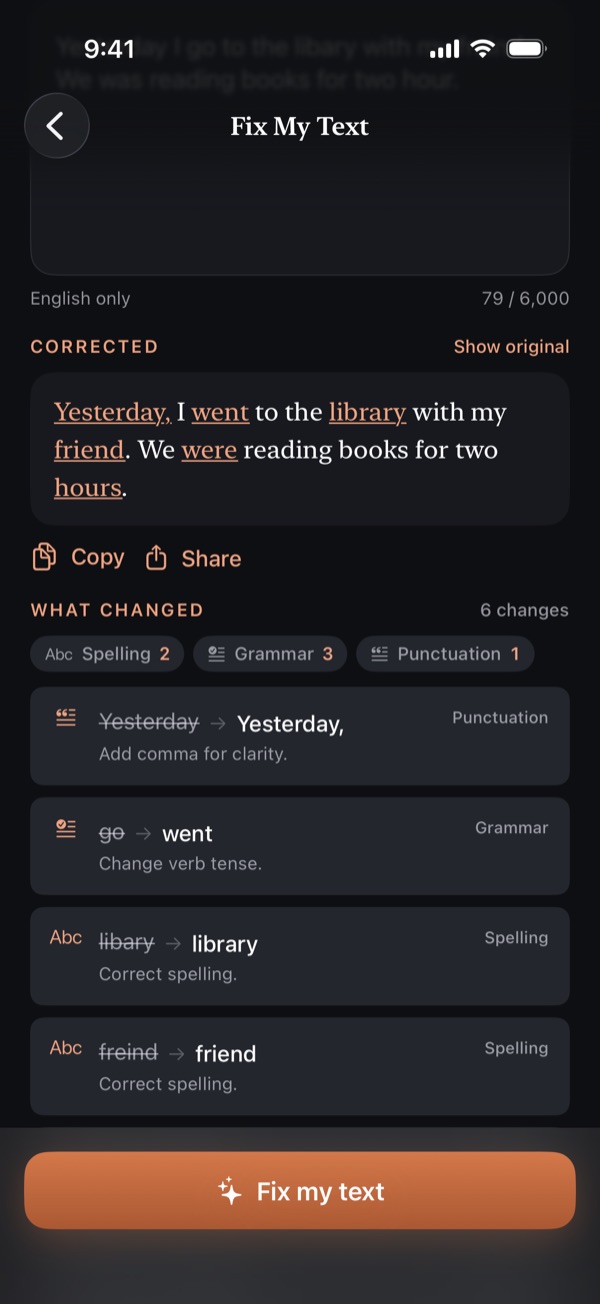
Paste your English and get corrections for grammar, spelling and punctuation, with each change marked and explained.
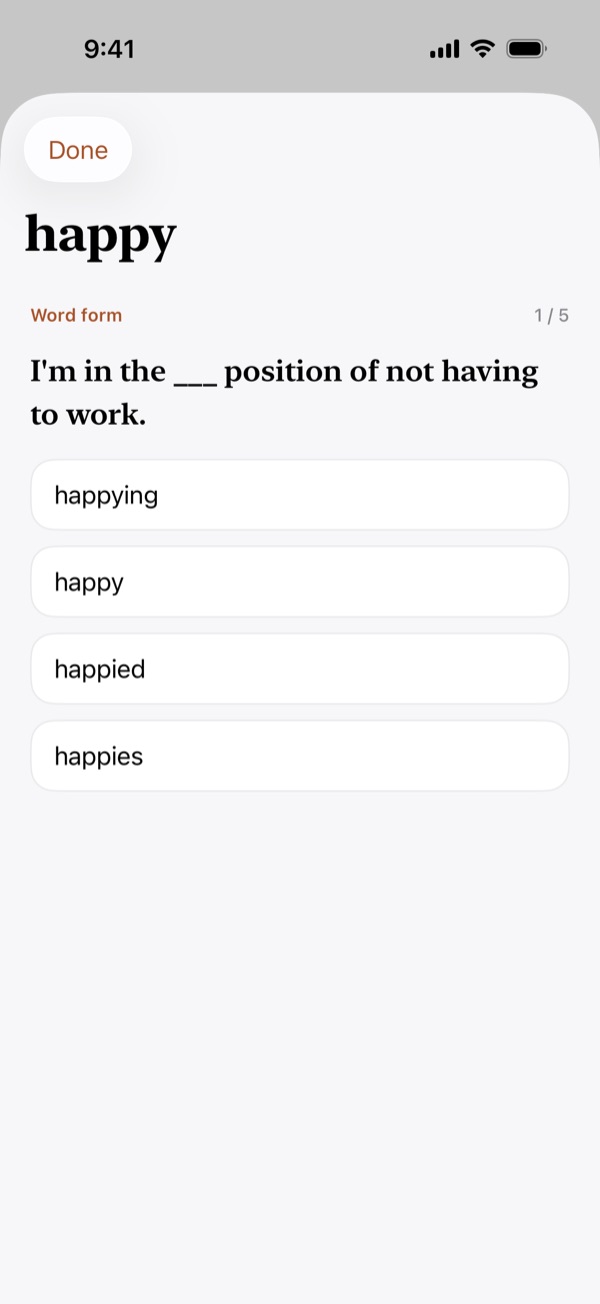
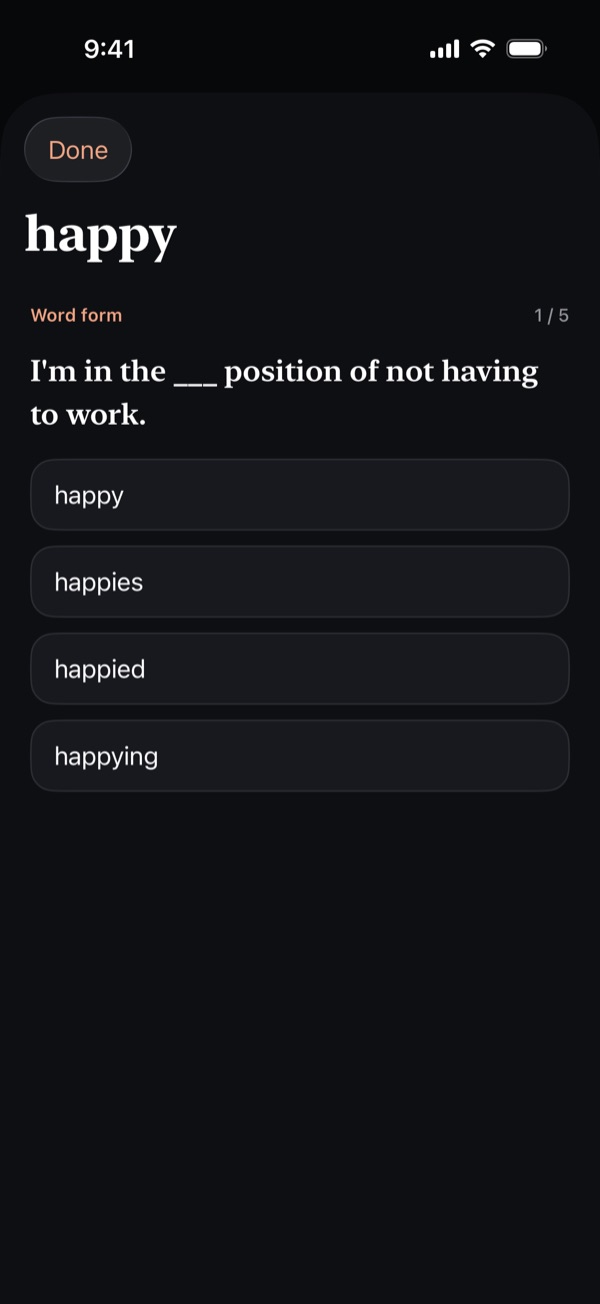
Practise the word you just looked up with short quiz questions built from its entry — meanings, grammar and usage.
Requires iOS 26 or later, a device that supports Apple Intelligence, and Apple Intelligence turned on. The model works in English only.
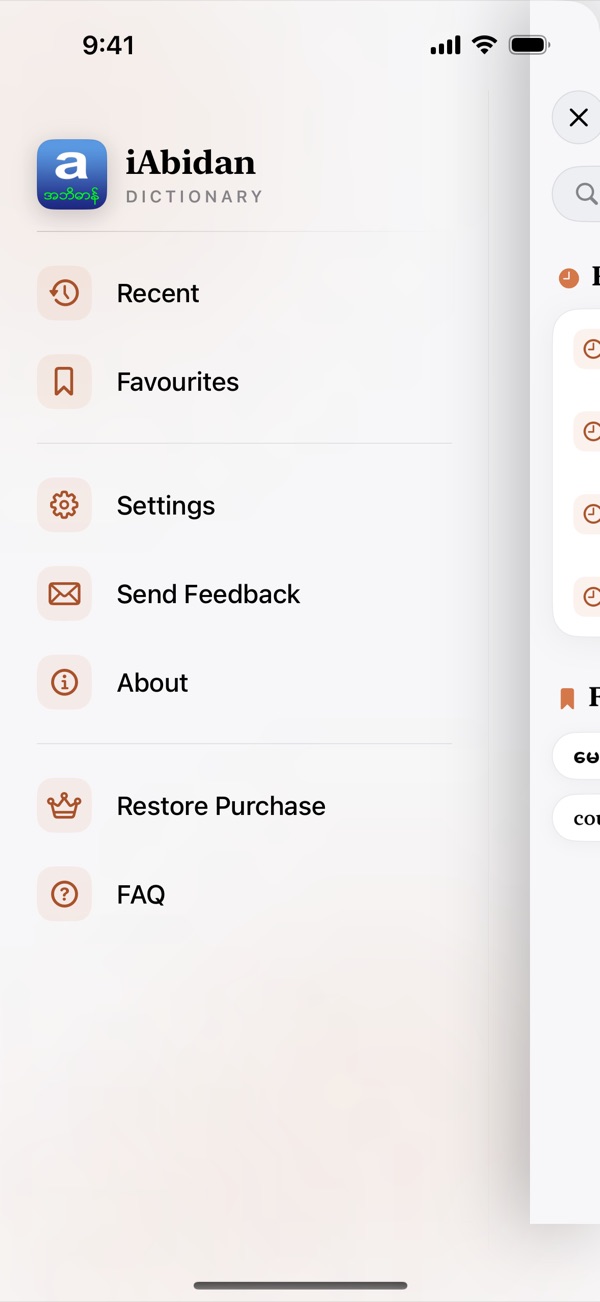
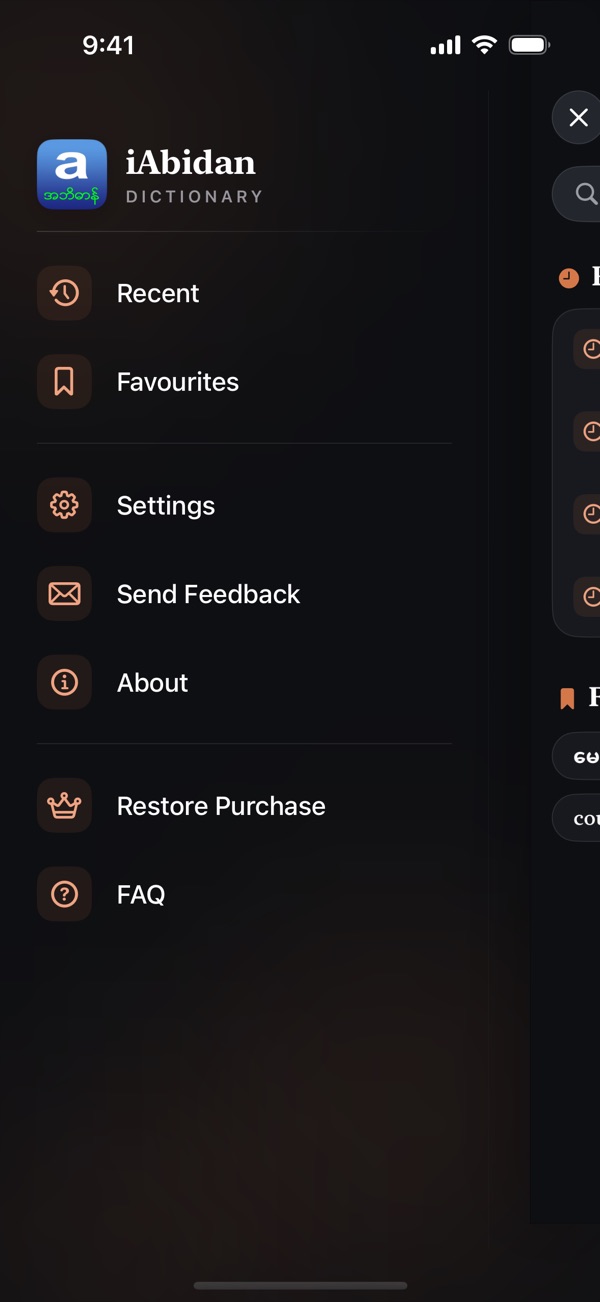
Screenshots from the latest version of iAbidan for iPhone.
What people in the Myanmar community say about iAbidan.
Have a question? Check out our frequently asked questions to find your answer.
No. iAbidan is free to download and use, with every entry, pronunciation and feature included. A small banner under the definitions helps pay for the ongoing work on the dictionary.
Yes. The dictionary is stored on your device, so searching, reading entries and listening to pronunciations work without a connection. Backup & Restore, ads and Premium purchases need the internet.
iAbidan now has more than 91,000 entries, and when a word is misspelled it suggests the closest matches under “Did you mean”. We keep adding new words with each update. If a word you need is missing, please email it to us at [email protected].
Yes. You can search in Burmese, and you can switch the whole app to Burmese in Settings › Language.
From another app: select the word, tap Share and choose iAbidan. The entry opens without leaving the app you’re in.
With the camera: tap the camera button in the search bar, point it at printed text, take a shot, then tap a word. Camera lookup needs a device with a back camera.
iAbidan is free to download and use. A small banner under the definitions helps pay for the ongoing work on the dictionary.
Subscribe to Premium to remove all ads. If you are in the EEA or the UK, you are asked for consent first, and you can change your choice at any time in Settings › Ad privacy options.
iAbidan reads words aloud with the text-to-speech voices built into iOS. Every device comes with a small Compact voice, which can sound flat or robotic.
Apple offers clearer Enhanced and Premium voices as free downloads, and iAbidan switches to the best one installed automatically. Open Settings › Accessibility › Spoken Content › Voices › English (on iOS 26: Settings › Accessibility › Read & Speak › Voices › English), pick a voice marked Enhanced or Premium, and tap the download icon beside it.
Premium voices need iOS 16 or later.
If nothing plays when you tap the speaker button:
Burmese text is read aloud only when a Burmese voice is available on the device.
Meaning in Context, Word practice and Fix My Text run on Apple Intelligence, entirely on your device. They need:
The model works in English only. On a device that cannot run it, the AI features are hidden.
iAbidan does not connect to ChatGPT or other AI services itself. Its own AI features run on Apple Intelligence on your device, and nothing you look up or type is sent anywhere.
On a device with Apple Intelligence, you can turn on Apple’s ChatGPT extension in Settings › Apple Intelligence & Siri › ChatGPT. You can then use ChatGPT through Siri, Writing Tools and Visual Intelligence while you use iAbidan, for example to rewrite text you type in Fix My Text or Send Feedback. You choose what is sent to ChatGPT, which is provided by OpenAI in the regions where it is available.
Backups are saved to your own iCloud Drive or Google Drive, and include your recents, favourites and settings. If a backup or restore does not work:
Restoring merges the backup with what is already on the device, so nothing saved is lost.
We are always looking for ways to enhance the user experience, and your feedback is valuable in helping us achieve that goal. If you have any suggestions for improvement or are encountering issues, please use Send Feedback in the app or email [email protected]. If you would like to share your experience with the app, please consider rating us on the App Store or Play Store.

Free on the App Store and Google Play.